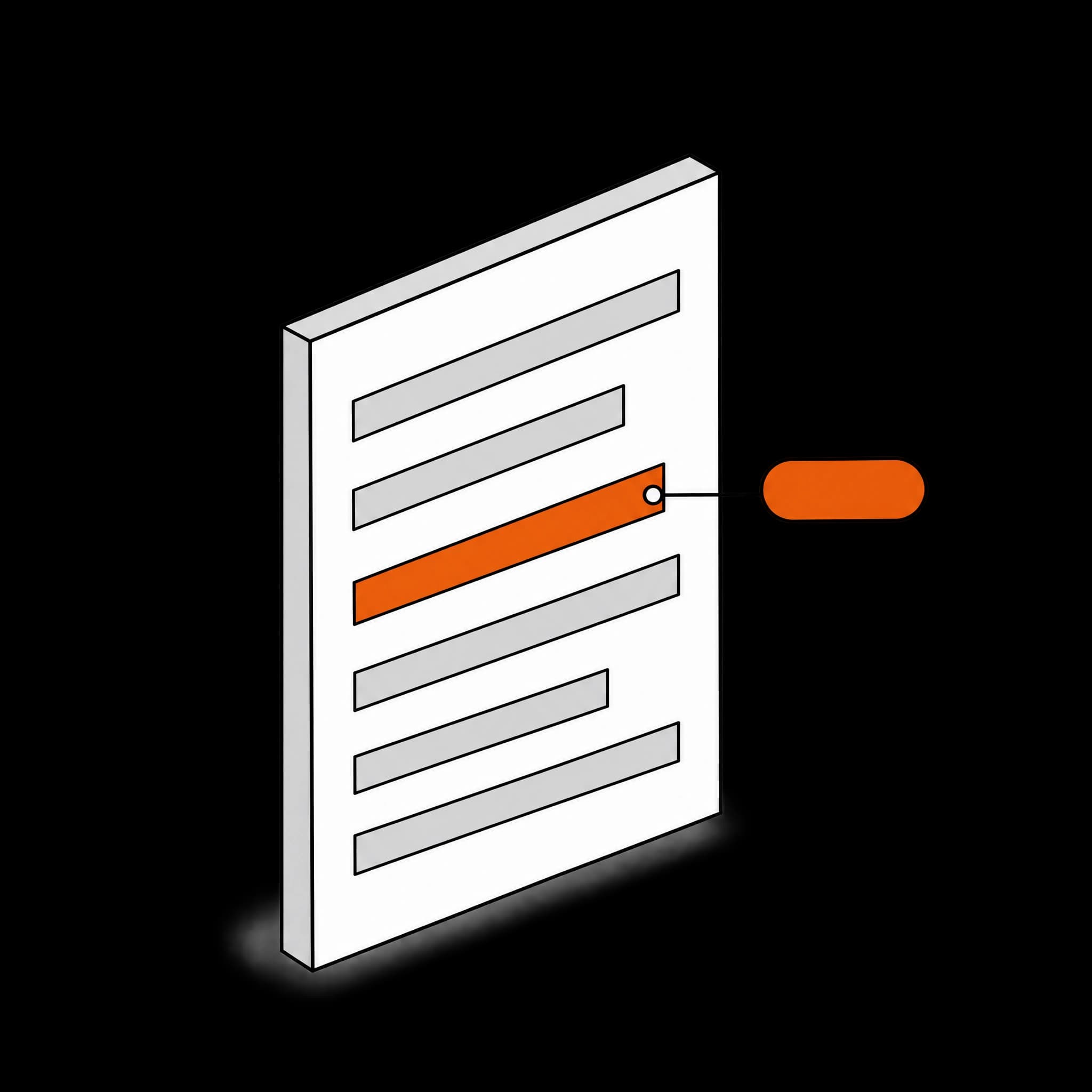
Answers that cite the page
Every fact links to the page and passage it came from.
AIAnswers that cite the page
Upload PDFs, Word and Excel files. Airchives answers in seconds — and shows the exact page every answer came from.
Free plan · No card needed
Works with the files you already have
Scroll
Digging through folders for one number
becomes Ask, and get the number with its page.
Copy-pasting from five spreadsheets
becomes Totals and charts calculated from your sheets.
Writing the same report again
becomes A Word, PDF or Excel file made from your documents.
Every fact links to the page and passage it came from.
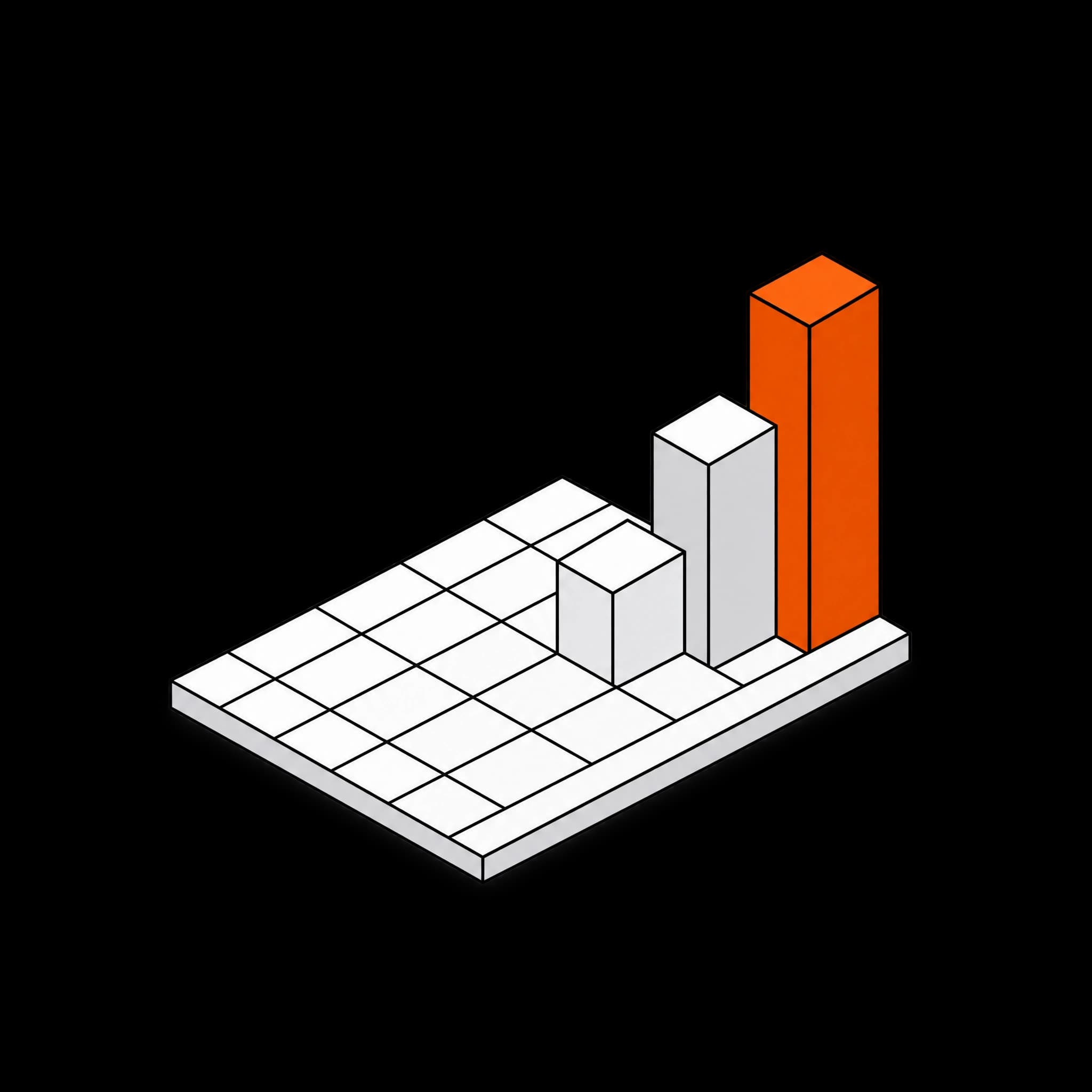
Exact totals, comparisons and charts — calculated, not guessed.
Ask for a report and get a designed PDF, Word or Excel file.
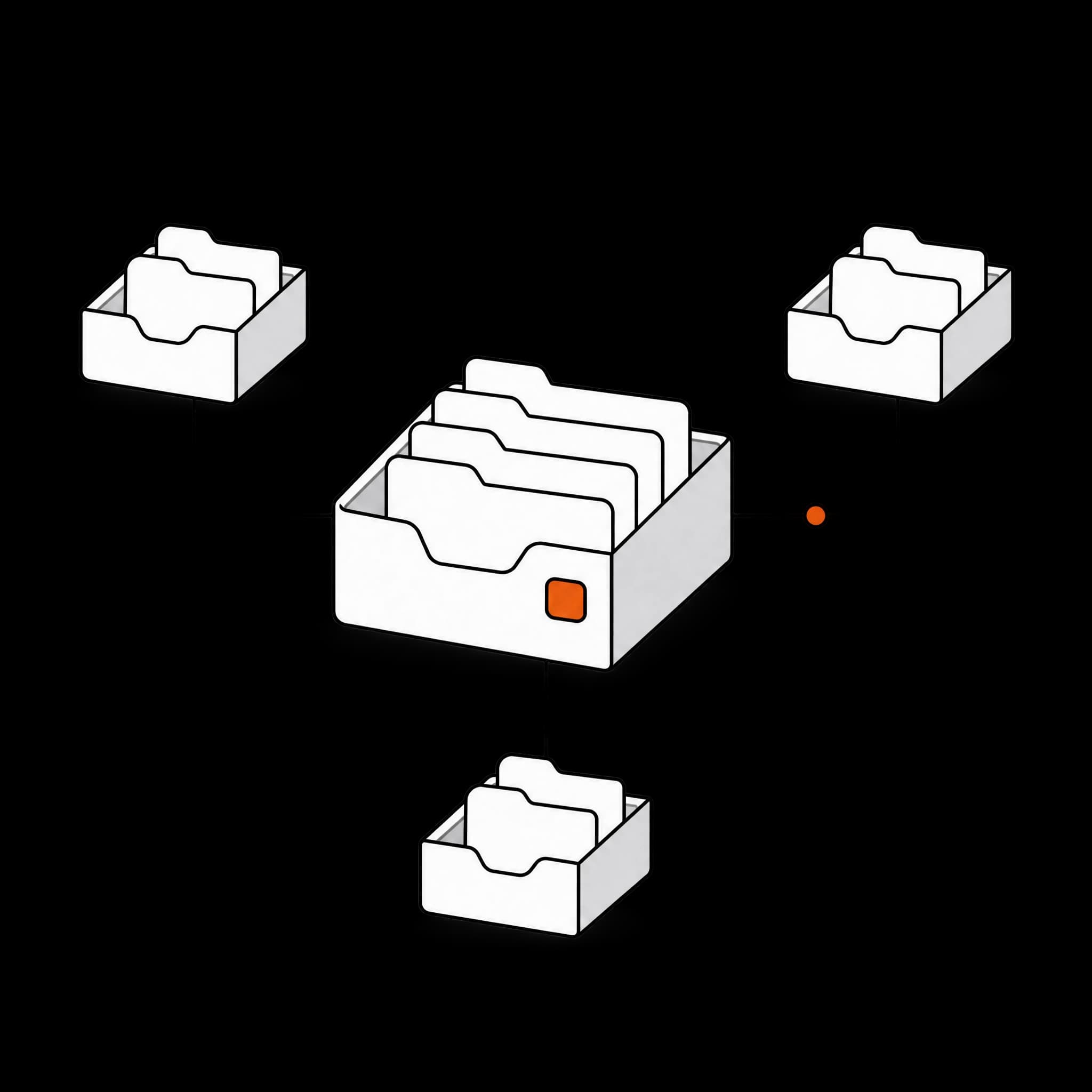
One shared library, roles and one plan for the organization.
Here's what happens between your upload and your answer.
PDF, Word, Excel, CSV or text.
What really happensThe file type is checked by its contents, not its name.
Kept in private storage, only for your workspace.
What really happensFiles are never public; views use short-lived signed links.
Text is read in reading order; scans get OCR.
What really happensTables keep their rows and columns; scanned pages are read with OCR.
Each page becomes short, titled passages.
What really happensHeadings are kept, so a passage knows its section.
Each passage gets a meaning fingerprint.
What really happensAn embedding: a list of numbers that captures what the passage means.
Searchable by meaning, words and file name.
What really happensThree indexes: meaning, keywords and names.
Your workspace's documents, ready.
Ask in English, Filipino or Taglish.
Is it a lookup, an analysis or a file request?
What really happensA planner reads the question and the chat so far.
By meaning, by keywords and by file name.
What really happensThree searches run at once, only inside your workspace.
The strongest passages rise to the top.
What really happensResults are merged and ranked; the top 8 are kept.
Only those passages are read.
What really happensNothing outside your workspace is ever used.
Direct answer first, the right format.
What really happensA list, a table, a card or a chart — whatever fits.
Only real passages can be cited.
What really happensA citation that doesn't match a supplied passage is removed.
An answer you can verify.
Ask, analyze, create and organize — all from one chat, with every answer tied to its source.
Read how it worksCreate an organization and everyone works from the same library — upload once, and every member gets the same cited answers, wherever they are.
Sample members, for illustration — Airchives collects no location data.
Upload once — every member searches the same documents.
One weekly allowance for the whole organization.
Admins, members and per-person permissions; invite by email or a 6-digit join code.
Chats stay yours; share one with the team when it helps.
Personal, ABC Co. Your own library stays separate.
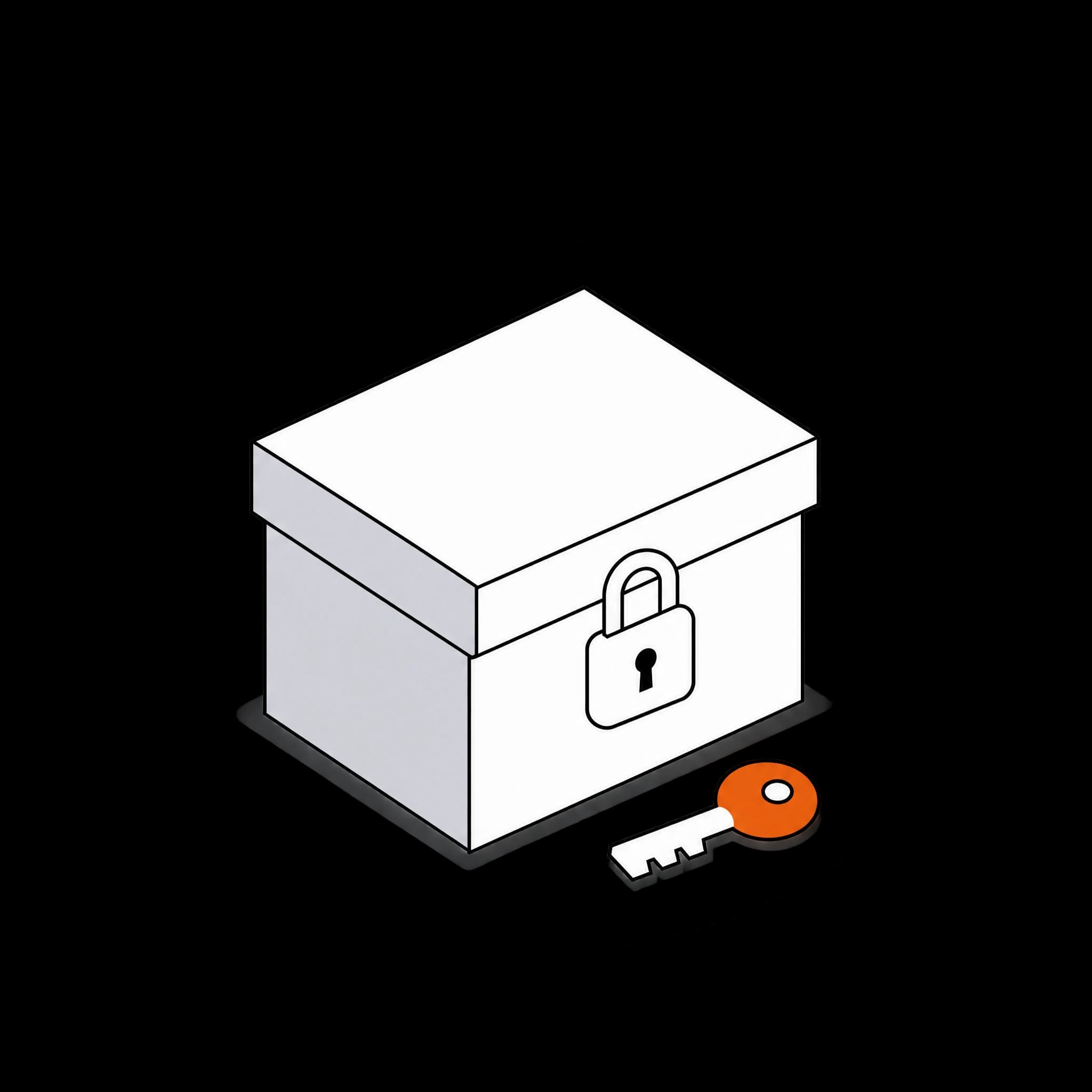
Built so your library is only ever your workspace's.
Start on the Free plan. Upgrade when your library grows.
See plans after you sign up.
Organizations get one plan for the whole team — usage is shared.
Pay with GCash, cards and other methods through PayMongo.
PDF, Word (.docx), Excel (.xlsx), CSV, TXT and Markdown. Scanned PDFs are read with OCR. Password-protected PDFs can be unlocked once with the password.
Every fact in an answer links to the passage and page it came from. Click a citation to open the document at that page with the passage highlighted.
Airchives says so: it answers from general knowledge, clearly marked “Not from your documents”, without citations.
Yes — from your spreadsheets. Totals, comparisons and charts come from real calculations over your sheets, and each number links to the rows it used.
Ask for a report and get a designed PDF, Word or Excel file built from your documents; you can ask for changes and save it to your library.
Ask in English, Filipino or Taglish — answers come back in the same language.
An organization has one shared library, one plan and one weekly allowance. Admins invite people by email or a 6-digit join code and choose their roles.
No — chats are private to you unless you share one with your organization.
Documents are stored privately and only searched inside your workspace. Previews and downloads use short-lived signed links.
To confirm before publishing.
Each plan has a weekly allowance that resets every 7 days, shown as “% used”. There's a free plan to start.
Through PayMongo (GCash, cards and other enabled methods). Plans don't auto-renew — you renew when you want.
Plans are one-off periods, so there's nothing to cancel; when a period ends you're back on Free.
Free plan · No card needed